HP SUPPORT URL: https://support.hp.com/us-en/drivers/selfservice/omen-by-hp-ga1-1000-accelerator-shell/15776606/model/18161480?sku=Z5M91AA
HP Setup URL: https://support.hp.com/id-en/document/ish_2534192-1409866-16
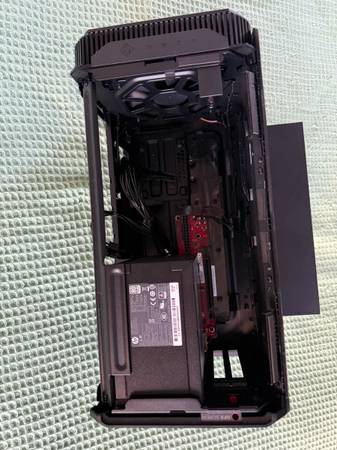
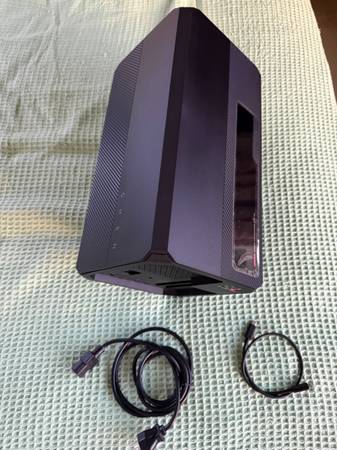
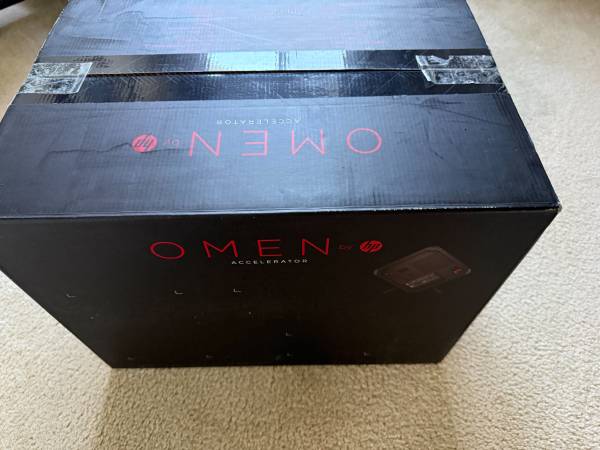
The Gaming accelerator is in Like New condition and comes with ALL PARTS (USBC to USBC Cable and Power Supply) and in the Original Box and Original Packing. IT DOES NOT HAVE THE MANUAL AND CD ETC. HOWEVER, YOUR CAN DOWNLOAD DRIVERS FROM THE HP URL ABOVE.
It has support for Many GPUs and accommodates most dual-slot graphics cards.
Procedure to Set UP. Follow the aobve Setup URL
1. Add an external GPU card to the Gaming Accelerator and connect it to your laptop using the USBC to USBC cable (included)
2. Connect the provided (Free) HDMI cable from Graphics card HDMI port to your Monitor/TV HDMI Input.
3. Install drivers for the Gaming Accelerator and Graphics card.
4. Install Games on your laptop and start playing.
5. Doing so transfers your WINDOWS ONLY laptop into a gaming rig.
!! IMPORTANT !! Your laptop should have a USBC/THUNDERBOLT 3 port. Not compatible with your laptop if it does not have a USBC/THUNDERBOLT 3 port.
!! IMPORTANT !! Supports only WINDOWS LAPTOPS AND NOT MAC OR LINUX.
NOTE: You will have to purchase an external GPU Card (NVIDIA, AMD etc.) and insert it into the accelerator. This particular unit was used with this GPU card, which you can also buy separately: EVGA GeForce GTX 1060 SC GAMING ADAPTER
See this listing URL if you want to purchase the NVIDIA GPU: